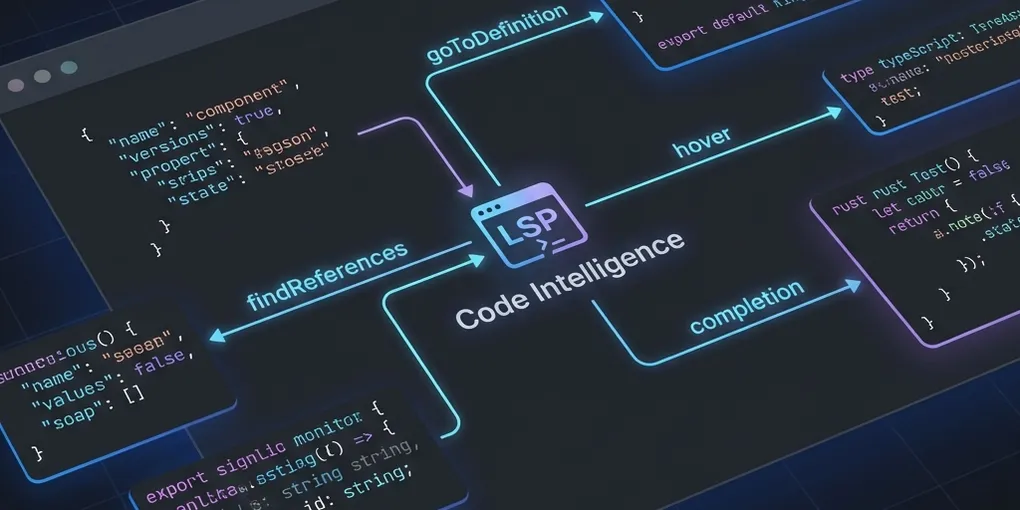
LSP in Claude Code
Somehow, I missed the automated install suggestion for LSP in Claude Code, so I’m writing this post for anyone else that missed the boat that launched in December.
For the uninitiated, enabling LSP (Language Server Protocol) provides the same code intelligence tools bundled with VS Code (e.g., goToDefinition, findReferences) in the terminal, which, in my experience, makes Claude Code absolutely fly. It also uses way fewer tokens since Claude doesn’t have to grep as much and lowers the bar for which tasks cheaper models can handle. As an example, I was able to have Haiku accurately detect and remove all unused code within a legacy directory in one shot—something Opus couldn’t do without LSP.
Weirdly, the Claude Code docs on this aren’t super helpful, so here’s a quick setup guide for TypeScript LSP:
- Install the TypeScript language server ->
npm install -g typescript-language-server typescript - Enable LSP in your terminal config file (using nano + .zschrc)
nano ~/.zshrc- Add
export ENABLE_LSP_TOOLS=1, save, exit - Run
source ~/.zshrcto refresh your terminal(s) (or close and reopen)
- Enable LSP in Claude Code
- Run
claude - Using the
/pluginscommand, install “typescript-lsp” (claude-plugins-official) - Restart Claude
- Confirm all is working by asking Claude, “Is the TypeScript LSP working?” 😀
- Run
Happy Friday!
Image credit: Generated by Gemini 3 Pro directly in Antigravity. It only makes sense for a post about AI to have an AI generated header image, right?
Not to worry, though: I wrote the post. I just don’t have time for images.